VS Code disable compact folders
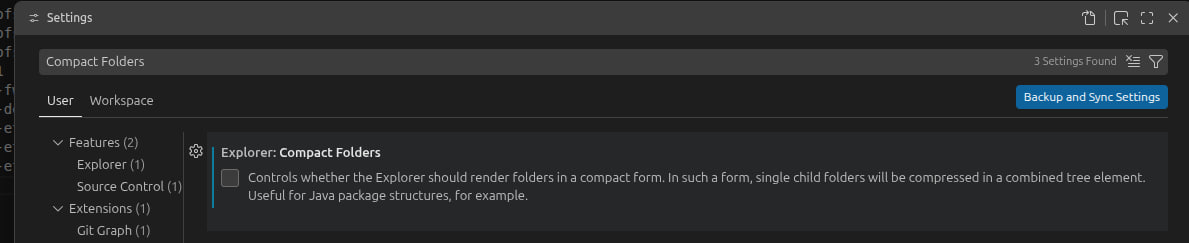
By default the VS Code explorer renders a folder containing just one subfolder as a single squashed segment (parent/child/) — nested src/utils collapses into one row. One setting restores the real tree:
"explorer.compactFolders": false
in Settings, or the Explorer section. The tree now shows every folder level explicitly.
Back to BITS.